

Managed GitLab Runner
Runners for your GitLab pipelines on dedicated hardware in Frankfurt am Main. Docker with dind is set up, the cache is included, and we install the updates.
The runners in brief
What teams want to know before they switch their pipelines.
More about the data center in Frankfurt am Main where your instance runs.
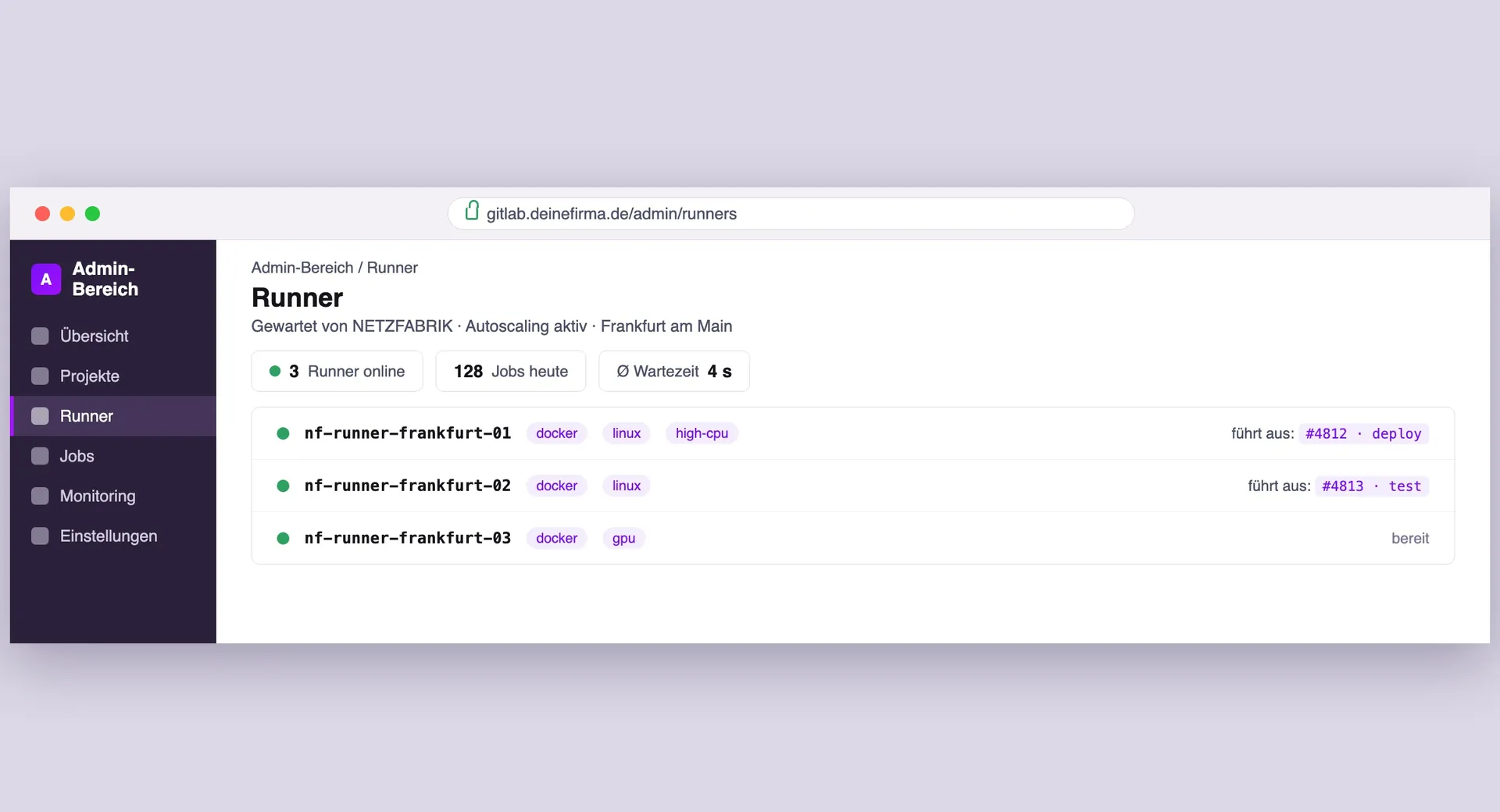
Which executor do you run?
The default is Docker with dind. We set up Kubernetes on request, and dedicated macOS runners are available too.
Docker & dind
Full Docker-in-Docker support. You build, tag and push images directly in the pipeline.
Kubernetes
We set it up on request. The default stays Docker with dind, because most teams build and test images that way.
macOS
Dedicated macOS runners with a preinstalled Xcode environment for iOS and macOS builds.
What happens between push and result
Nothing changes in your pipeline. The only difference is that we look after the runners.
ops@netzfabrik~/pipeline% git push origin main
- → 01Commit triggers itA push or merge request starts your .gitlab-ci.yml pipeline in GitLab, exactly as usual.
- → 02GitLab dispatches jobsGitLab hands the jobs to the matching runners via tags. Your managed runners report in with free capacity.
- → 03Runner executesEvery job runs isolated in the Docker executor with dind: build, test, lint and container push.
- → 04Results & cache returnArtifacts and status go back to GitLab, the cache stays warm. We monitor load and errors in the background.
Official GitLab Open Partner
We are a registered GitLab Open Partner. If your instance needs Premium or Ultimate, you get the licenses directly from us.

Is it worth the effort?
Runners are quick to register. But patches, executor upkeep, cache and autoscaling cost ongoing time. We take over operations at clear package prices.
| Self-managed | NETZFABRIK Managed | |
|---|---|---|
| Setup & registration | Set up runners and executor yourself | Set up and included |
| Executor & Docker-in-Docker | Set up and maintain dind yourself | Docker + dind ready, we maintain it |
| Caching | Set up and manage cache storage yourself | Up to 100 GB per runner included |
| Updates & patches | Keep runner updates on your radar | Automatic, by us |
| Monitoring | Monitor runner health yourself | 24/7 included |
| Scaling & autoscaling | Plan capacity and autoscaling yourself | By capacity, we add runners |
| Location | Location is your responsibility | Frankfurt am Main, ISO 27001, GDPR |
| Your time investment | Several hours per month | Almost none, we operate it |
Runner plans by compute power
Monitoring and caching come with every plan. The larger ones add more cores, more RAM and extra S3 cache.
1. Choose a plan
2. Have GitLab hosted as well
Your builds need more cores or more cache? Then we put together a runner on dedicated hardware based on your jobs.
Have GitLab hosted as well
Need a home for your GitLab instance as well as runners? We run GitLab as a managed service, including updates, monitoring, backups and support.
If GitLab and runners both run with us, they are connected at up to 10 Gbps. Artifacts and images then do not travel over the public internet.
Response times for your GitLab Runners
In the event of a system outage, we respond in under 15 minutes, 24/7, 365 days a year.
- Critical (P1)< 15 min
Total outage or suspected security incident. Please call.
24/7 on-call
- High (P2)< 1 hr
Important function disrupted, operations run with limits.
Mon to Fri, 9 am to 6 pm
- Normal (P3)< 4 hrs
One workstation affected or there is a workaround.
Mon to Fri, 9 am to 6 pm
- Low (P4)< 1 business day
Questions, requests and anything that can be planned.
Mon to Fri, 9 am to 6 pm
Contractually fixed in the SLA. The DPA is available before signing.
Questions about the managed runners
First the technology, then performance, scaling and location.
Technology & operations
Which executor types are supported on your Managed GitLab Runners?
Do you also offer macOS runners?
Do you also offer the Kubernetes executor?
Does my GitLab have to be hosted with you to use your runners?
How does caching work with the GitLab Runners?
Performance, scaling & location